Are you sure you want to remove the Sprocket Select from your bag?
2x3" / 2.3x3.4" / 3x4"
4x6" Prints
2x10" Prints
Introducing
Custom Frames
Your Shopping Bag is empty.
Let’s fix that!
步骤1:
第2步:
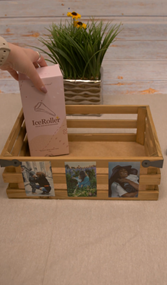
取下照片的背衬,小心地将照片贴在篮子上。
第 3 步:
在篮子里装满你妈妈会喜欢和欣赏的好东西。最后,送给妈妈一个充满回忆和爱的篮子。
Enter your email below to receive a notification when it’ll be back in stock.
We respect your privacy and don’t share your email with anybody.
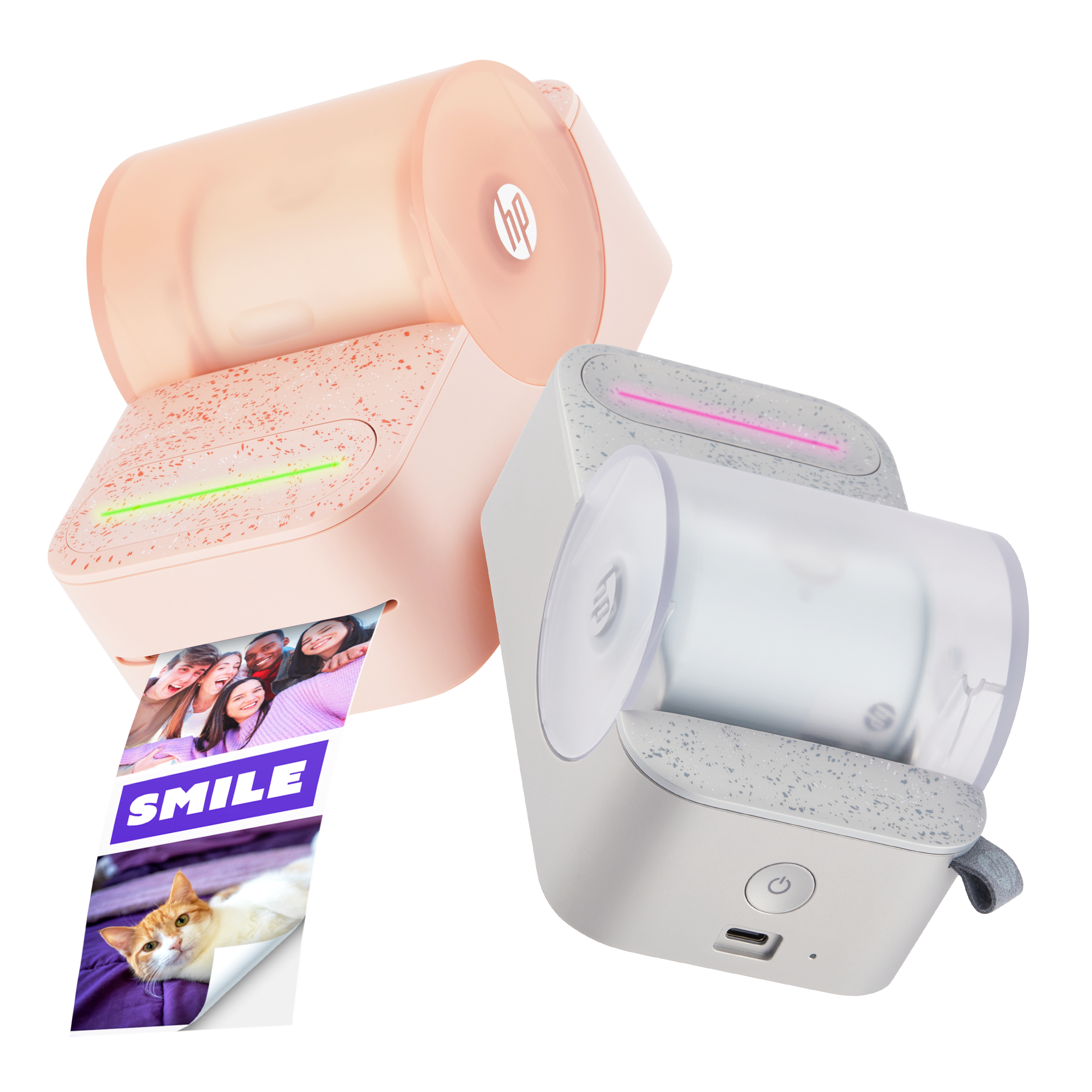
We’ll let you know when the Sprocket Studio Plus is back in Stock.








 Please enter a valid email.