






在这个母亲节制作一份难忘的礼物!
你需要什么
- 黑板框
- 液体粉笔标记
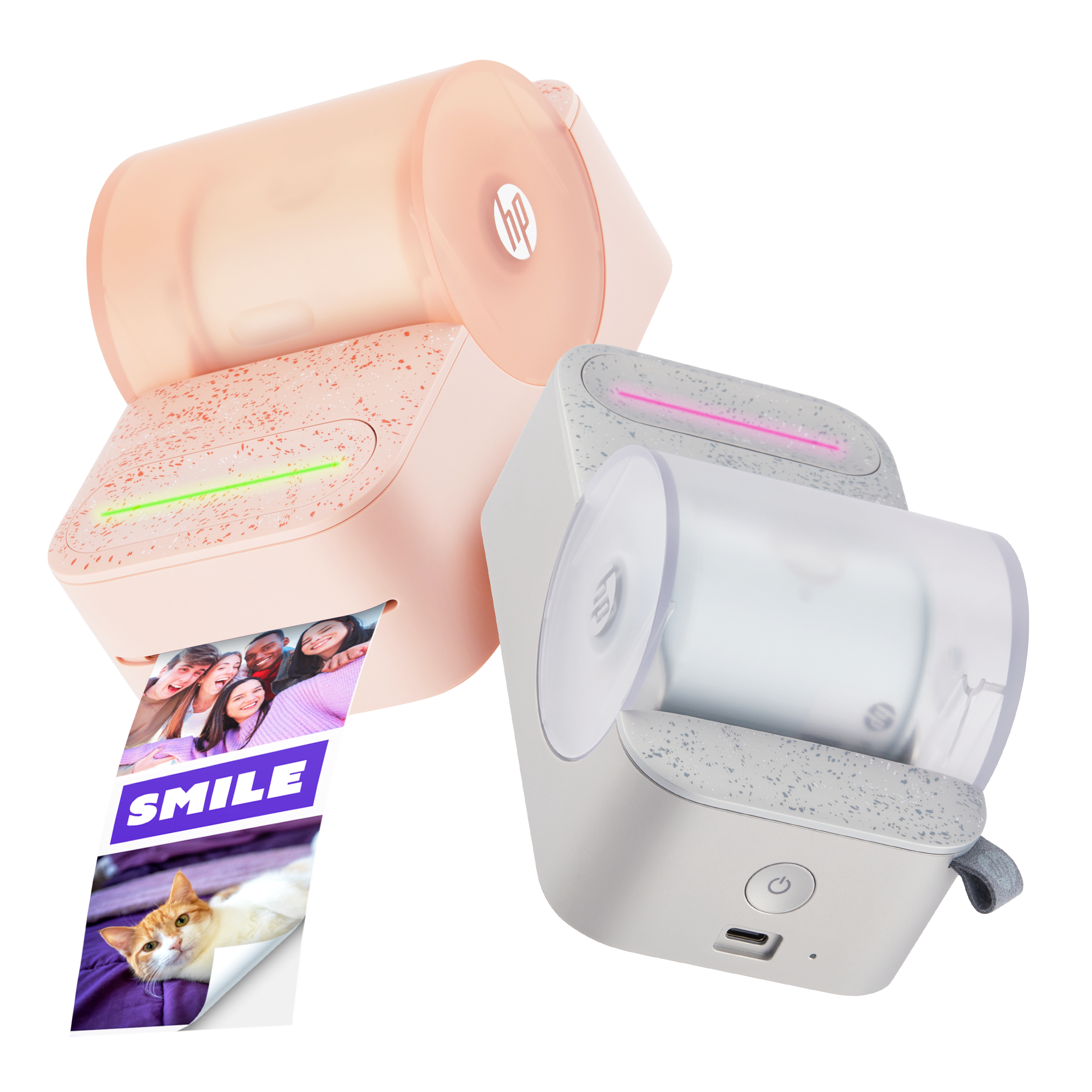
- HP Sprocket 2x3” 打印机
- HP Sprocket 3x4” 打印机
步骤1:
首先,使用 HP Sprocket 2x3” 和 3x4” 打印机打印出您知道妈妈会喜欢的不同尺寸的照片。


第2步:
接下来,将黑板框放在您面前。去掉照片的背衬,把照片贴在黑板框上。


第 3 步:
最后,使用液体粉笔标记,创建设计并在黑板上写下您妈妈将永远记住的温馨信息。


步骤1:
首先,使用 HP Sprocket 2x3” 和 3x4” 打印机打印出您知道妈妈会喜欢的不同尺寸的照片。
第2步:
接下来,将黑板框放在您面前。去掉照片的背衬,把照片贴在黑板框上。
第 3 步:
最后,使用液体粉笔标记,创建设计并在黑板上写下您妈妈将永远记住的温馨信息。

 Please enter a valid email.