






HP Sprocket Studio Plus - Blinking or Solid Red Error LED Light
This document is for HP Sprocket Studio Plus and the HP sprocket app.
The Error LED light is blinking or solid red when the printer is in a warning or error state. One of the following messages might display in the HP sprocket app.
-
Out of Paper
-
Paper has Jammed
-
Low on Supplies
-
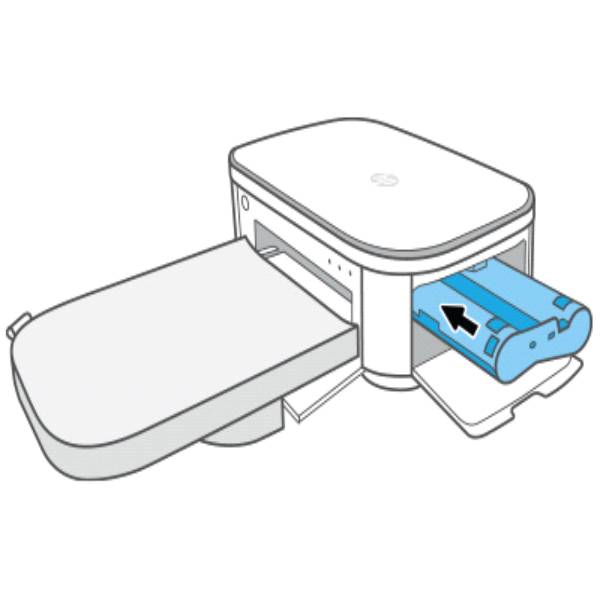
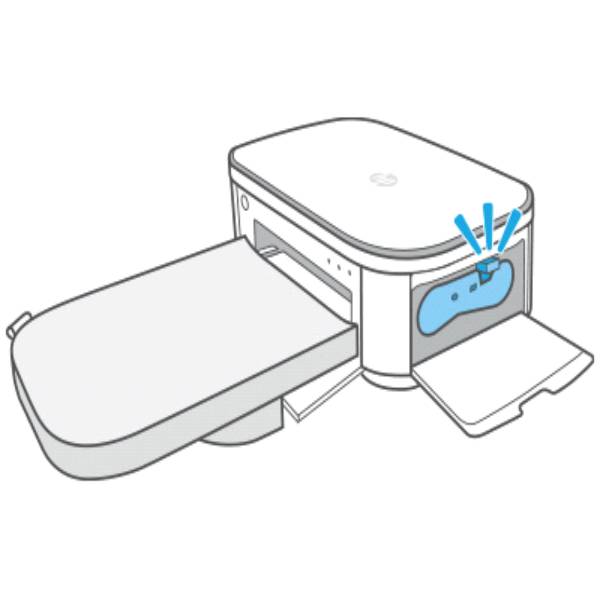
Make sure a cartridge is inserted and the cartridge door is closed.
Read the section that matches your message or light.
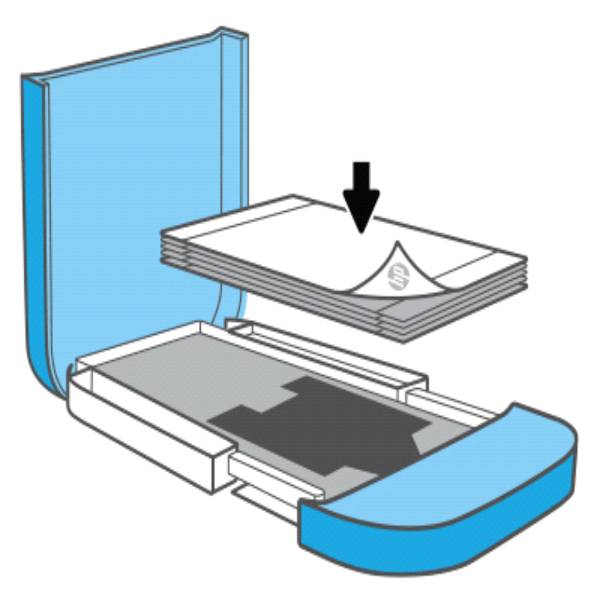
An 'Out of Paper' message and light blinks slowly
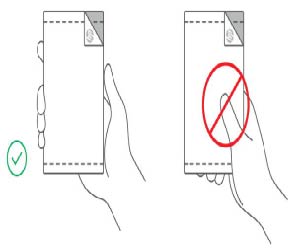
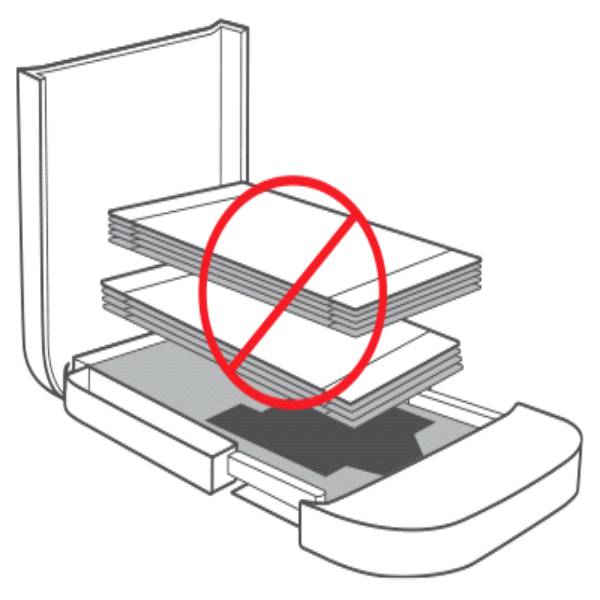
A 'Paper has Jammed' message and light blinks fast
A 'Make sure a cartridge is inserted' message and light blinks slowly
$149.99


Still need support?
Get personal help from our support team by visiting the Contact Us page.
Contact UsRegister your product.
Secure your product with easy access to help, updates, and documentation.
Product Registration
 Please enter a valid email.