


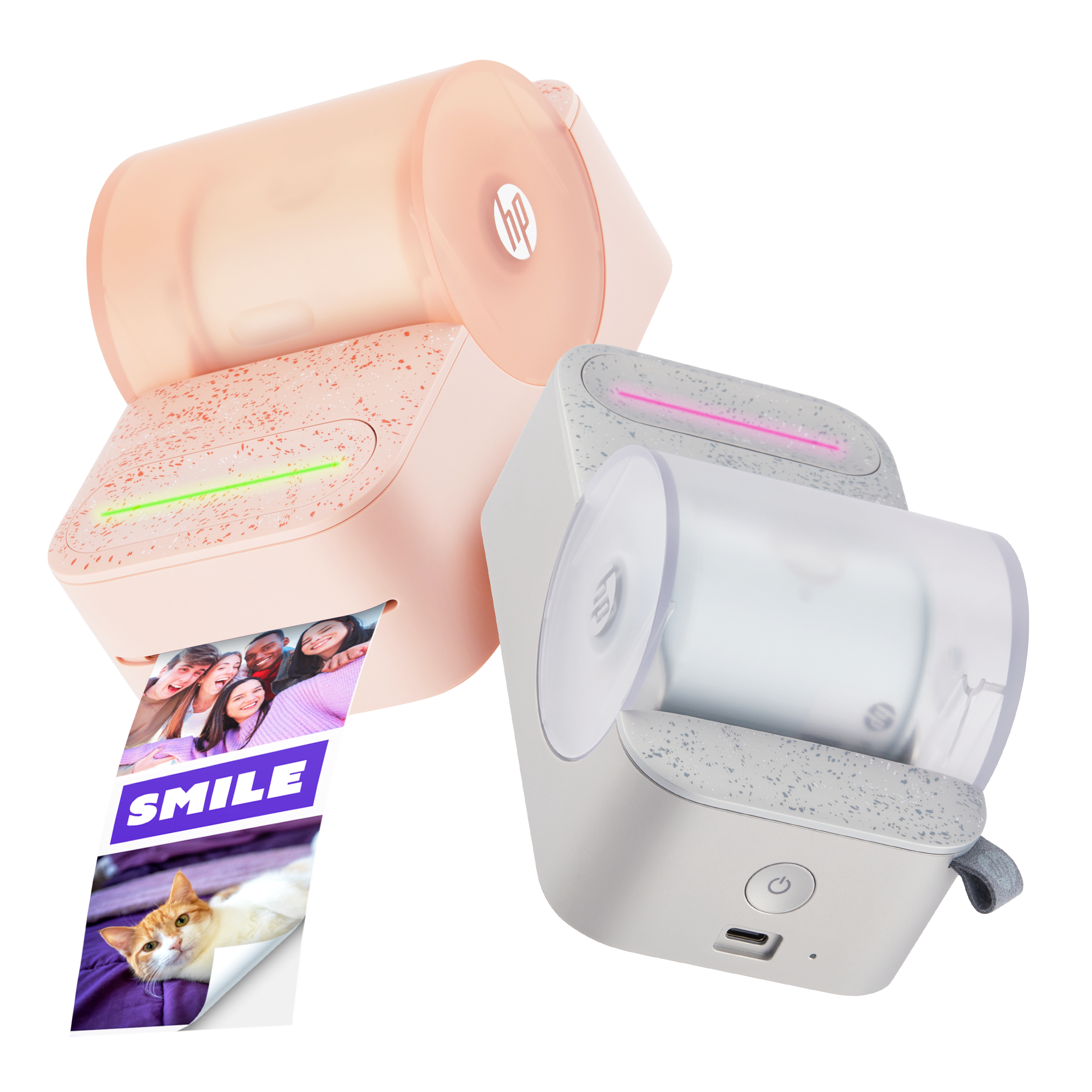




HP Sprocket Plus Printers - Blinking Red Status Indicator Light
This document is for HP Sprocket printers and the HP sprocket app.
During a print job, the Sprocket stops feeding photo paper, the Status Indicator light turns red and blinks, and one of the following error messages can display on the HP sprocket app.
-
Out of Paper
-
Top Cover Open
-
Paper Jammed
-
Incorrect Paper Type
Read the section that matches your error message. If you did not receive an error message, read Resolve a blinking red light when an error message does not display.
Still need support?
Get personal help from our support team by visiting the Contact Us page.
Contact UsRegister your product.
Secure your product with easy access to help, updates, and documentation.
Product Registration
 Please enter a valid email.