






HP Sprocket Photobooth – How to Share Photos
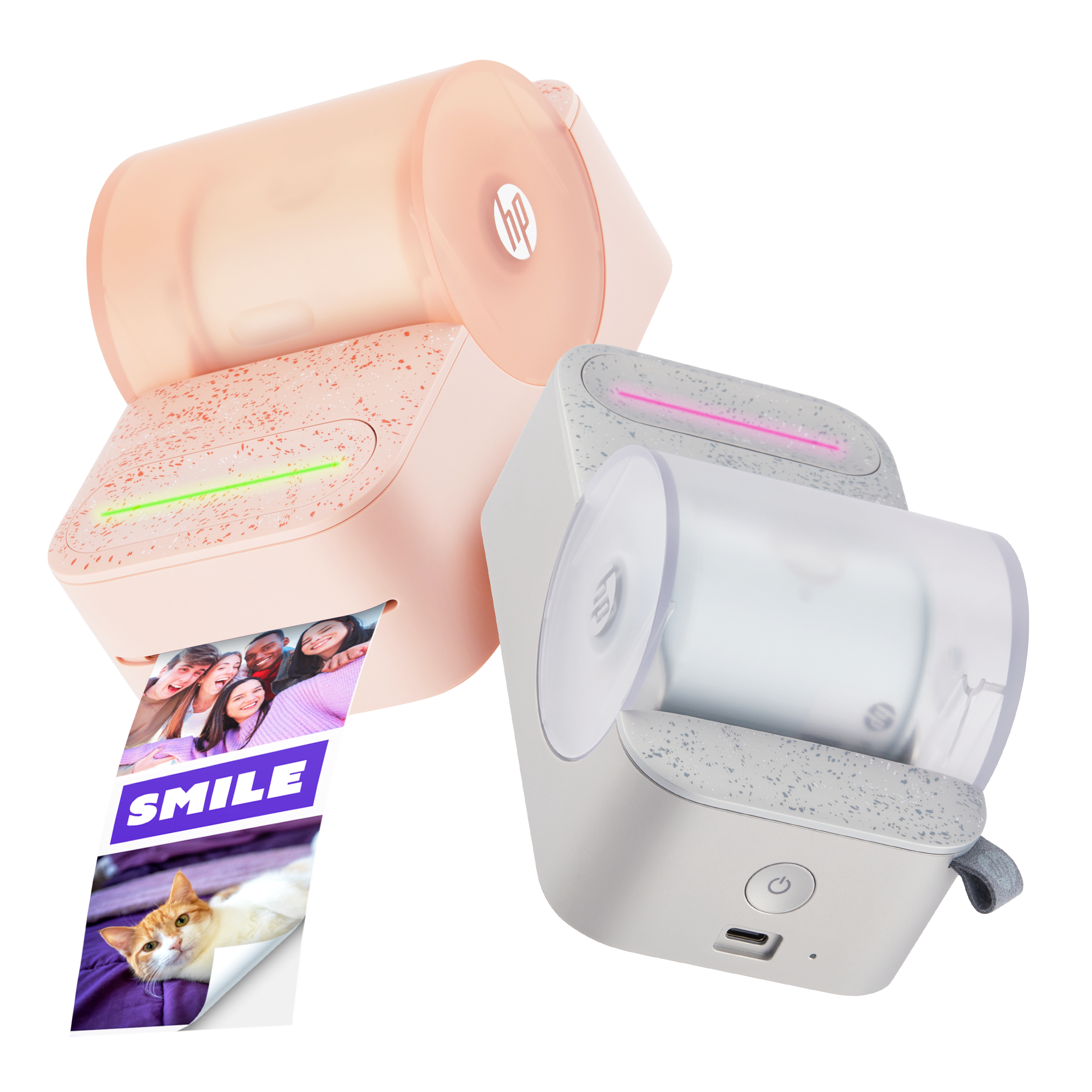
This document is for the HP Sprocket Photobooth.
Photo Gallery
All photos will automatically be saved to your gallery under the event/session name.
- To access these photos, select “Gallery” from the home page.
- Locate your event.
- To rename, delete, or share the entire session, click on the 3 dots in the bottom right corner of your event session.

4. To access specific photos from the session, click on the session name.
5. To delete photo(s), click on “Select” in the upper right corner of your screen and select the photo(s) you wish to delete.
a. Once you’ve selected your photos, click the trash icon in the bottom right corner of your screen and click “delete” when prompted.

Digitally Sharing Photos
1. To digitally share a photo session from your gallery, select the event session you wish to upload.
2. Click the upload icon in the righthand corner of your screen.
3. Click “Continue” when prompted.
4. The device will generate a QR code which you can scan using your smartphone camera.
5. Download the photo(s) and share with friends!

Note: A Wi-Fi® connection is required to generate a QR code.
How to Print Photos
1. To print your photo(s), locate your event session.
2. Select the photo(s) you would like to print.
3. Choose the number of prints you’d like.
4. Hit “print.”


Still need support?
Get personal help from our support team by visiting the Contact Us page.
Contact UsRegister your product.
Secure your product with easy access to help, updates, and documentation.
Product Registration
 Please enter a valid email.