|
Functions:
|
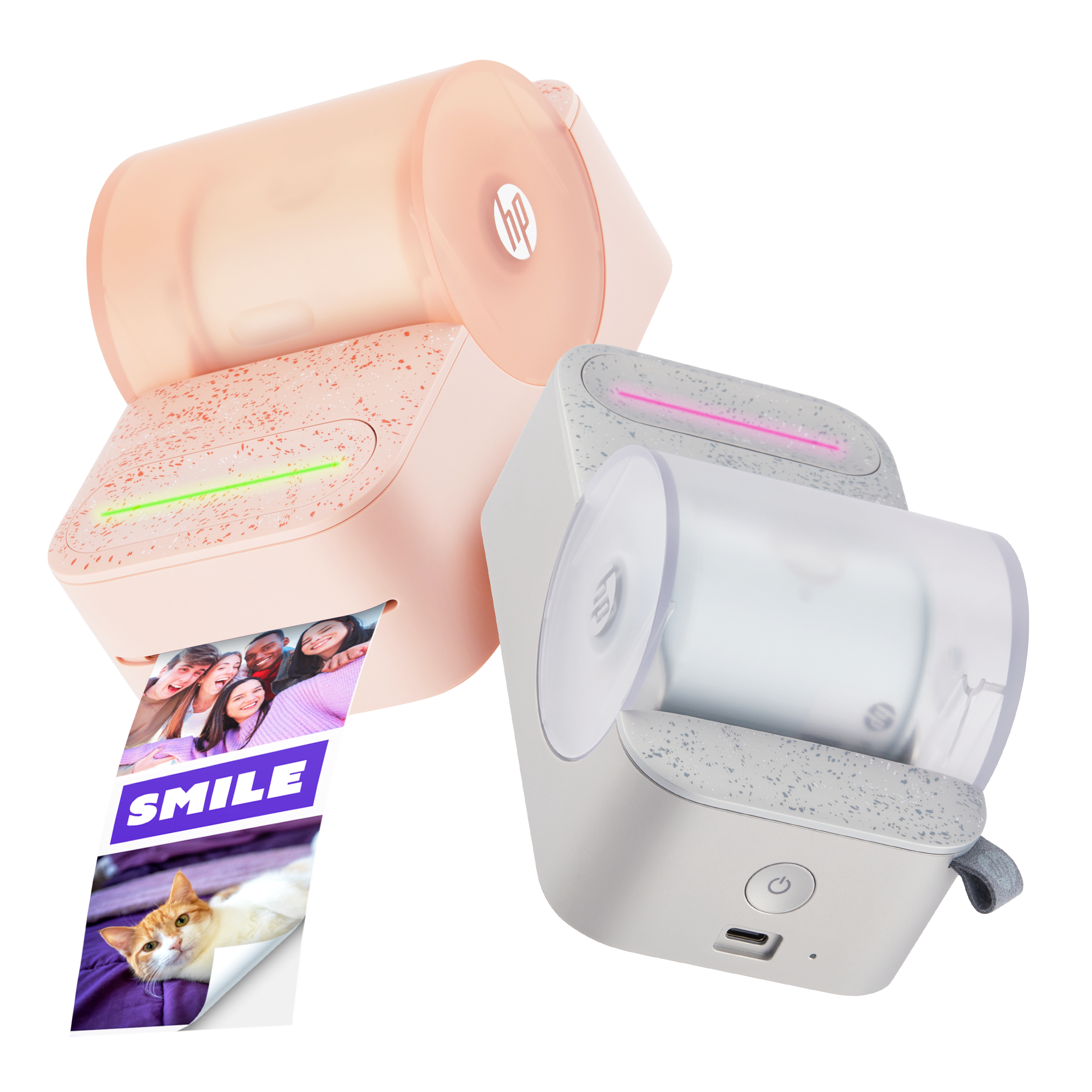
Print
|
|
Color:
|
Grey
|
|
Dimensions:
|
5.1" x 6.4" x 1.1"
|
|
Weight:
|
0.79 lb
|
|
Connectivity, standard:
|
Bluetooth 5.0
|
|
Printer management:
|
HP Sprocket App
|
|
Power supply:
|
Li-Polymer 7.4 V – 2 cell internal rechargeable battery,
1,000 mAh Li-ion polymer battery
|
|
USB Port:
|
Micro USB
|
|
Charge time:
|
120 Minutes
|
|
Print Technology:
|
Thermal printing with a ZINK® ZERO INK printer
|
|
Supported Paper:
|
HP Sprocket 3.5" x 4.25" ZINK® Sticky-Back Photo Paper
|
|
Borderless Printing:
|
No
|
|
Supported Media Size:
|
3.5" x 4.25"
|
|
Mobile Printing Capacity:
|
Yes, through the Sprocket app
|
|
Print Quality:
|
287 x 505 dots per inch (dpi)
|
|
Print Speed:
|
1 ppm (1 page per minute)
|
|
Paper Output Direction:
|
Front
|
|
Mobile Connectivity:
|
• Supported by Android™ devices using OS v5.0 and above /
iOS 10.0.2 and above.
• Made for iPhone 12, 12 Pro, 12 Pro Max, 12 Mini/11, 11 Pro, 11 Pro Max, SE 2/X, XR, XS, XS Max/8, 8 Plus/7, 7 Plus, SE/6, 6 Plus, 6s, 6s Plus/5, 5s, 5c and iPad Pro 12.9” (1st, 2nd, and 3rd generation), Pro 11”/iPad (4th, 5th, and 6th generation)/Pro 10.5”, Pro 9.7”/Air, Air 2/Mini 2, Mini 3, Mini 4 and iPod touch (6th generation).
|
|
Control Panel:
|
Power Button; Reset Button; Charge and Status Indicator LED Lights
|
|
Environmental Parameters:
|
• Operating humidity: 5% to 70% RH (recommended)
• Non-operating humidity: <5% RH or >71% RH
• Operating temperature: 5° to 40° C (41° to 104° F)
• Recommended operating temperature: 15° to 32° C (59° to 90° F)
• Storage temperature: -40° to 60° C (-40° to 140° F)
• Media Storage: 32-77° F (0-25° C), 40-60% RH
|
|
Warranty:
|
One-year limited hardware warranty.
|






 Please enter a valid email.