






Customer Support - Knowledge Base
HP Sprocket Printers - Blinking Red Status Indicator Light
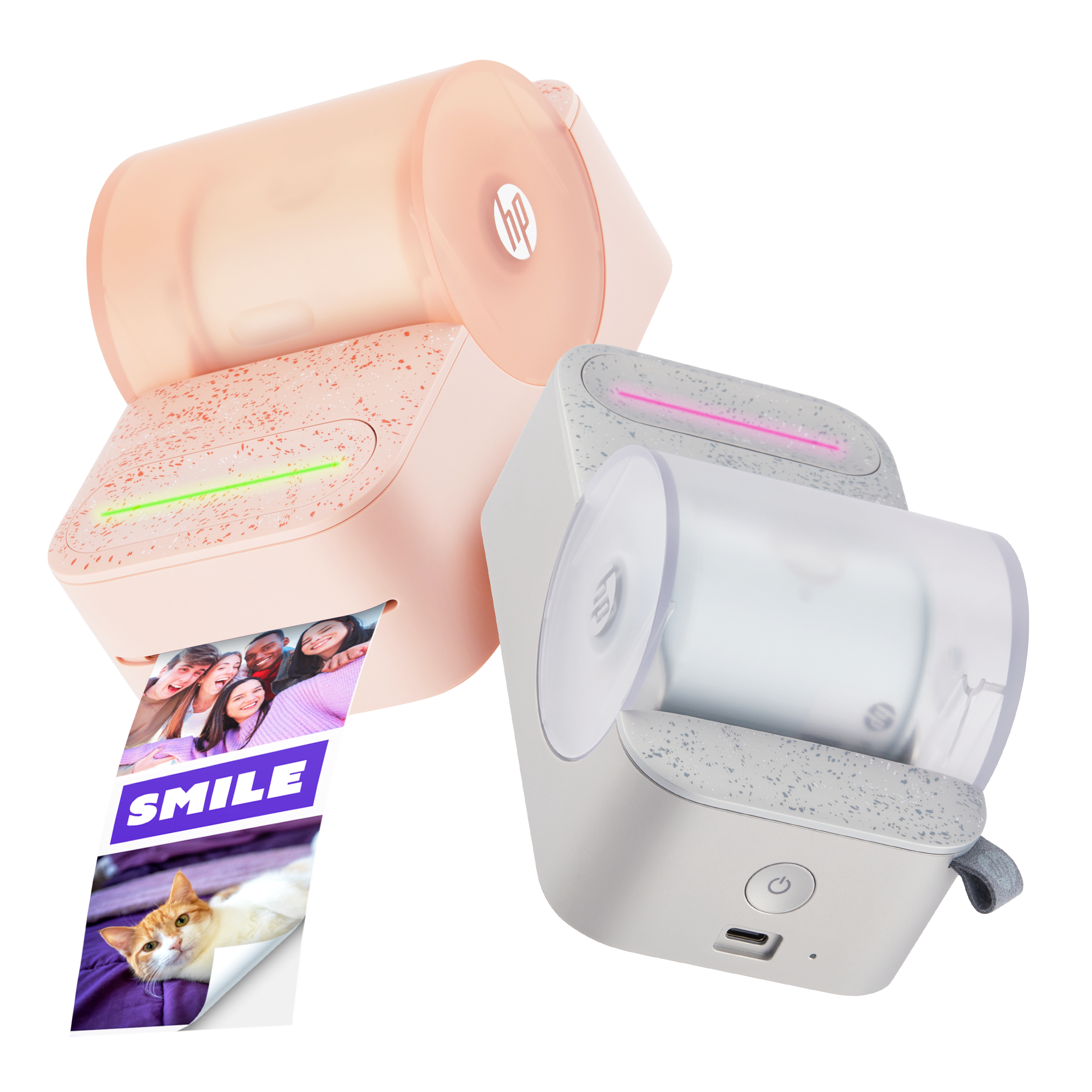
This document is for HP Sprocket printers and the HP sprocket app.
During a print job, the Sprocket stops feeding photo paper, the Status Indicator light turns red and blinks, and one of the following error messages can display on the HP sprocket app.
-
Out of Paper
-
Top Cover Open
-
Paper Jammed
-
Incorrect Paper Type
Read the section that matches your error message. If you did not receive an error message, read Resolve a blinking red light when an error message does not display.


 Please enter a valid email.